SubEagle

Know exactly what your subscriptions cost — without giving anyone your bank login.

SubEagle tracks what you pay, when it's due, and how much it adds up to over a year. You enter it yourself. Nothing ever connects to your bank.

Get SubEagle on Google Play Free to start. No card required to try it.
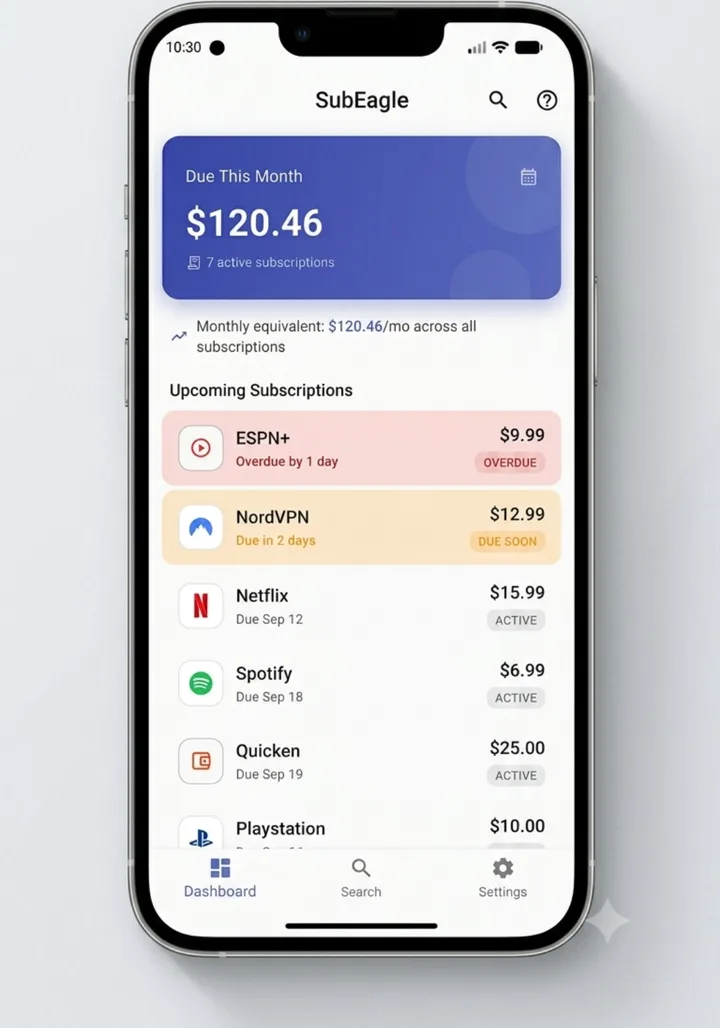
SubEagle dashboard showing total due this month, monthly equivalent, and a list of upcoming subscriptions with overdue and due-soon status
Category organization

Streaming, utilities, fitness, and everything else — actually sorted.

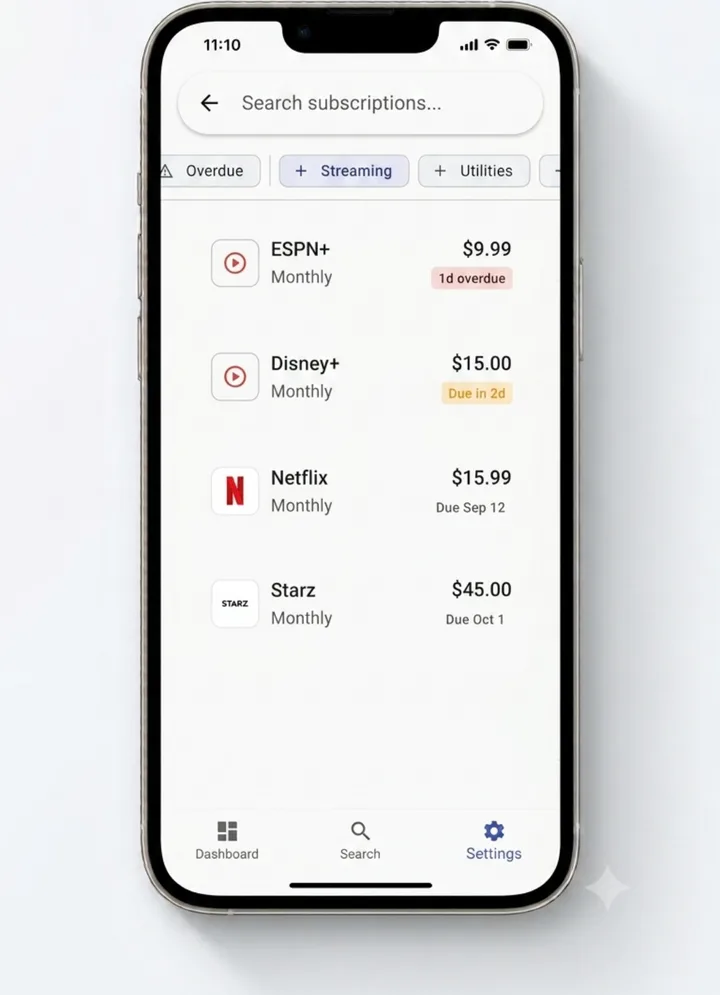
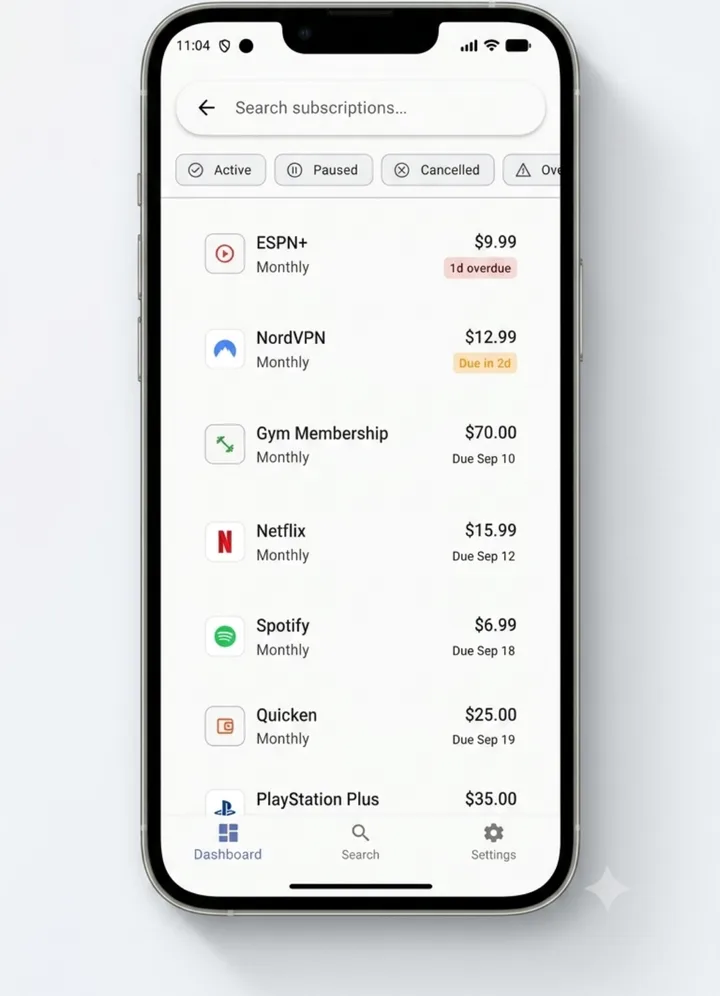
Every subscription lands in a real category, not just a flat list. Filter down to just your streaming spend, or just your software, and see it on its own.

Streaming · Utilities · Software · Fitness · more
SubEagle screen filtered to Streaming and Utilities categories, showing ESPN+, Disney+, Netflix and Starz with their due dates
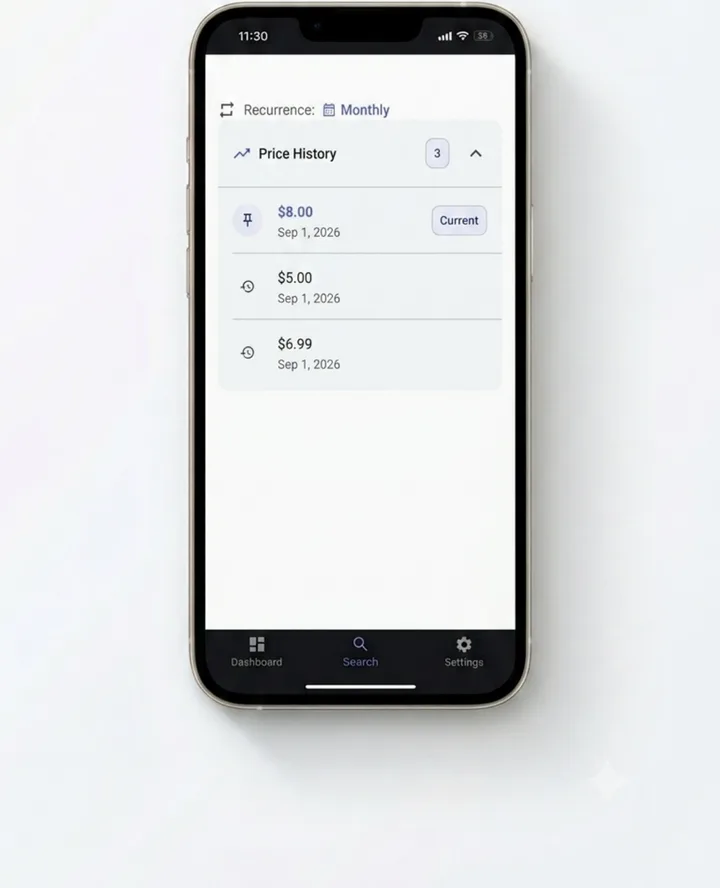
SubEagle Price History screen showing a subscription's price changing over time, with the current price marked
Price History · Premium

Catch a price hike before it surprises you.

Every time a subscription's price changes, SubEagle logs it — old price, new price, and the date. So "wait, when did this go up?" has a real answer instead of a guess.

Tied directly to your Annual Spend total
Smart Reminders

Never miss a payment — a reminder before every due date.

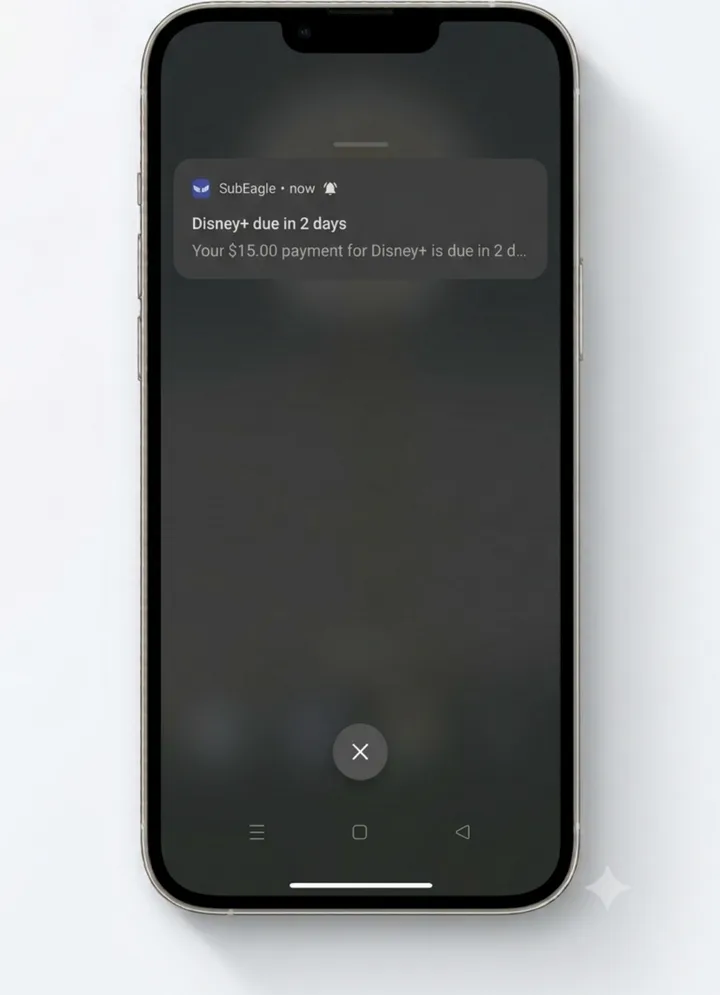
Set your own lead time — a week out, a day out, whatever works — and SubEagle notifies you before the bill hits, not after.

Works even if the app's been closed for days
A phone notification reading Disney+ due in 2 days, your $15.00 payment for Disney+ is due in 2 days
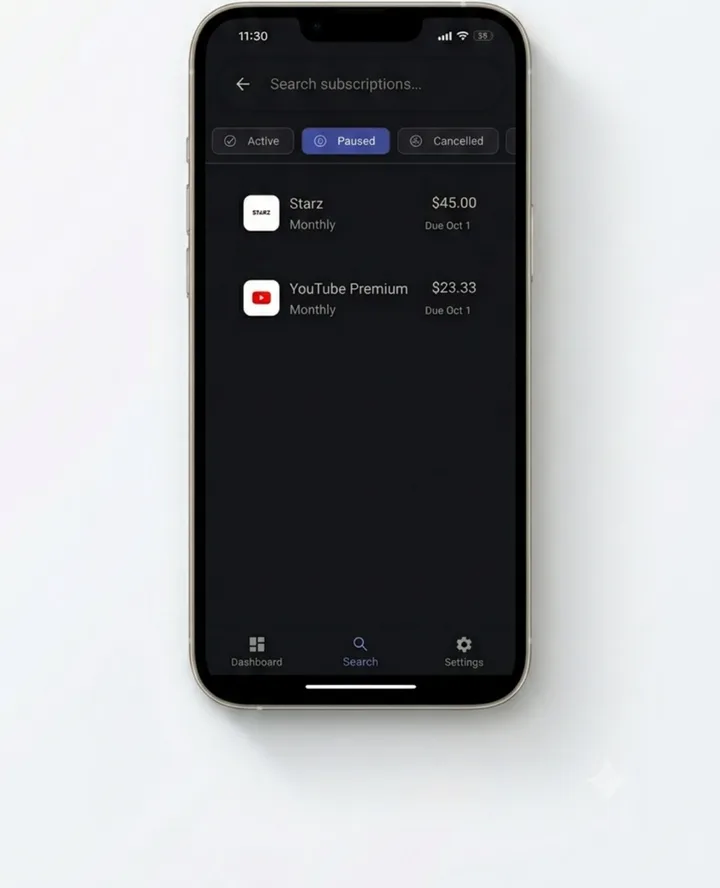
SubEagle Paused tab showing Starz and YouTube Premium moved out of the active total
Pause, don't delete

Paused a subscription? We keep it on your list — off your total.

Going on a Netflix break or freezing your gym membership doesn't mean losing track of it. Pause it, and it drops out of your monthly total without disappearing from the app.

What are your subscriptions actually costing you?

Tick the ones you're paying for. This is real math on illustrative average prices — SubEagle in the app uses your exact numbers, from a quick-add list of 128 services and counting, or anything you name yourself.

Selected0 subscriptions
Per month$0
Per year$0
Prices shown are rough averages for illustration, not live figures. Track your real amounts in SubEagle.

Make each subscription instantly recognizable.

Pick a custom icon and color for anything the catalog doesn't cover — a landlord, a family plan you split, a local gym. Your list, styled the way you actually think about it.

Your subscriptions are your business. SubEagle keeps it that way.

No bank linking means no bank data to leak, sell, or misplace. Everything you track lives on your phone. That's not a workaround — it's the whole design.

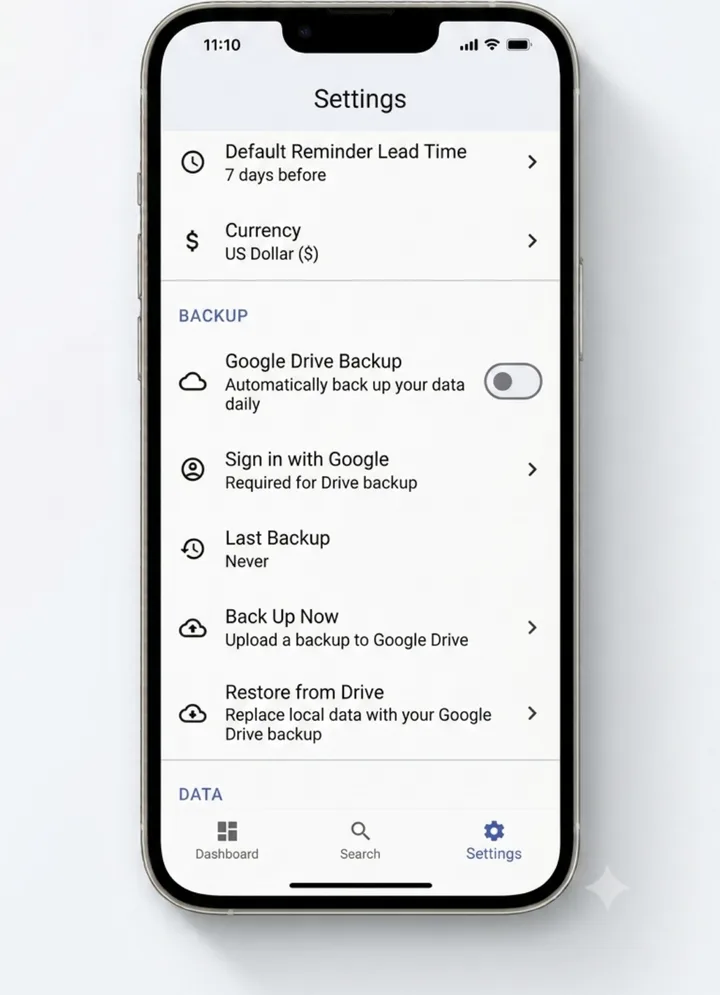
Want a backup anyway? Google Drive backup is there if you turn it on — never automatic, never required.

SubEagle screen with the tagline 100 percent private, no bank login, no account required, showing the subscription list SubEagle Settings screen with an optional Google Drive backup toggle, currently off, and a manual Back Up Now option
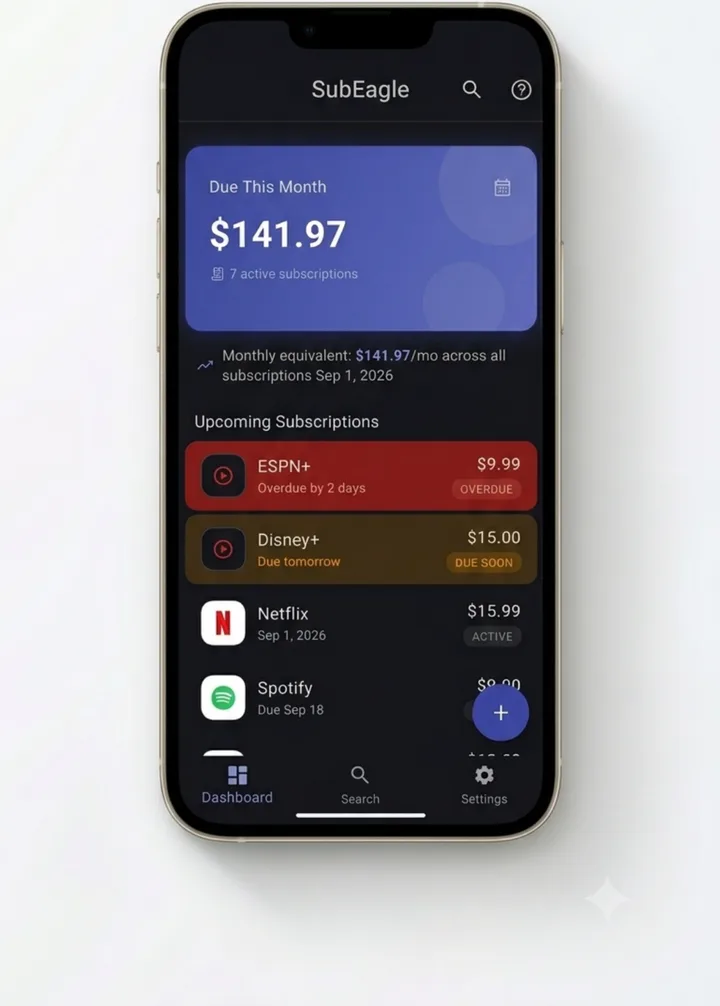
SubEagle dashboard shown in dark mode

Light or dark — SubEagle matches how you actually use your phone.

Free on Android. No bank login, ever.

Get SubEagle on Google Play