Every expiry date,
watched.
Before it lapses.
DueHawk keeps track of the things that expire: passports and visas, insurance, driver's licenses, vehicle registrations, warranties and memberships. Add the date, attach the document, and get reminded in time.
- No ads
- No account
- Data stays on your phone
Reminded on the days you choose, at 9 in the morning.
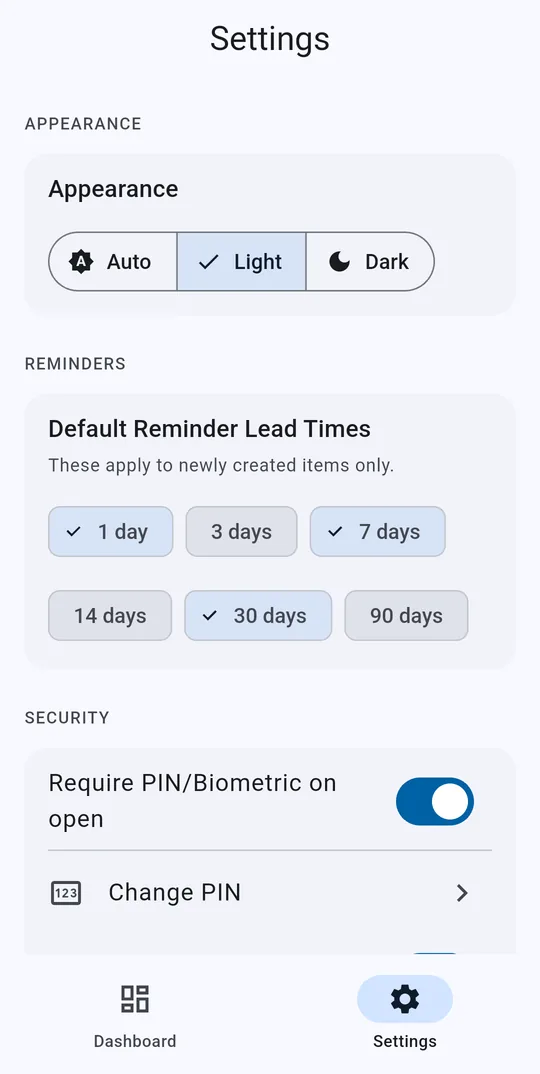
Pick how far ahead you want to hear about each item, say 30 days and 7 days before. On the due date you get a reminder too, and if it slips past, a nudge every morning until you mark it renewed. Reminders come from your phone, so they arrive even when the app is closed.
Ahead of time · On the day · Every day once overdue DueHawk · 9:00 AMDueHawk · 9:00 AMDueHawk · 9:00 AM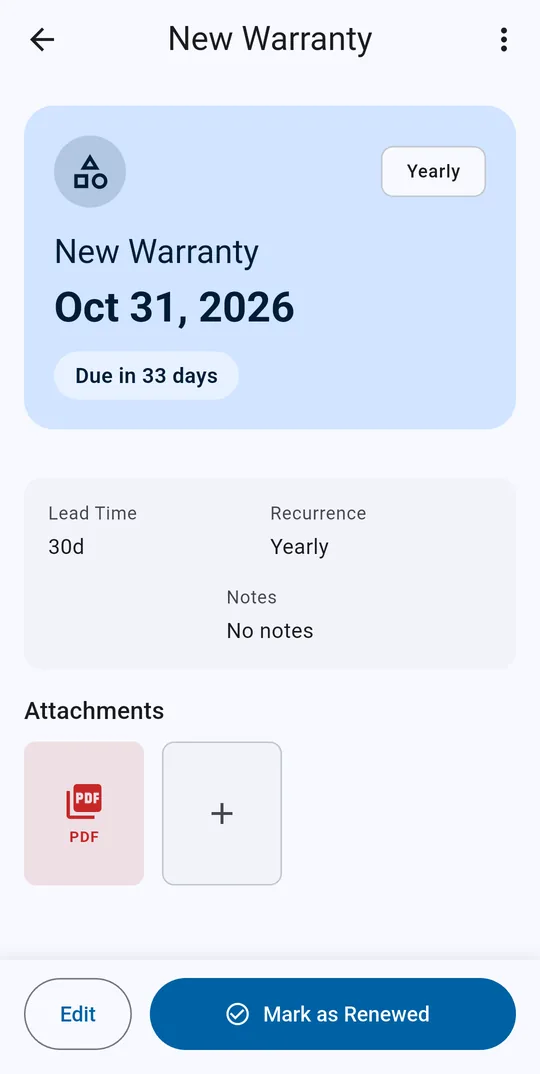
The policy, the scan, the receipt: right there when you need it.
Attach a photo or a PDF to any item, so the paperwork is at hand when it's time to renew. Mark something renewed and its next due date is set for you, whether it repeats monthly, yearly, every two years or on a custom interval.
Photos and PDFs · Repeating due datesSee what's overdue, what's due soon, and what can wait.
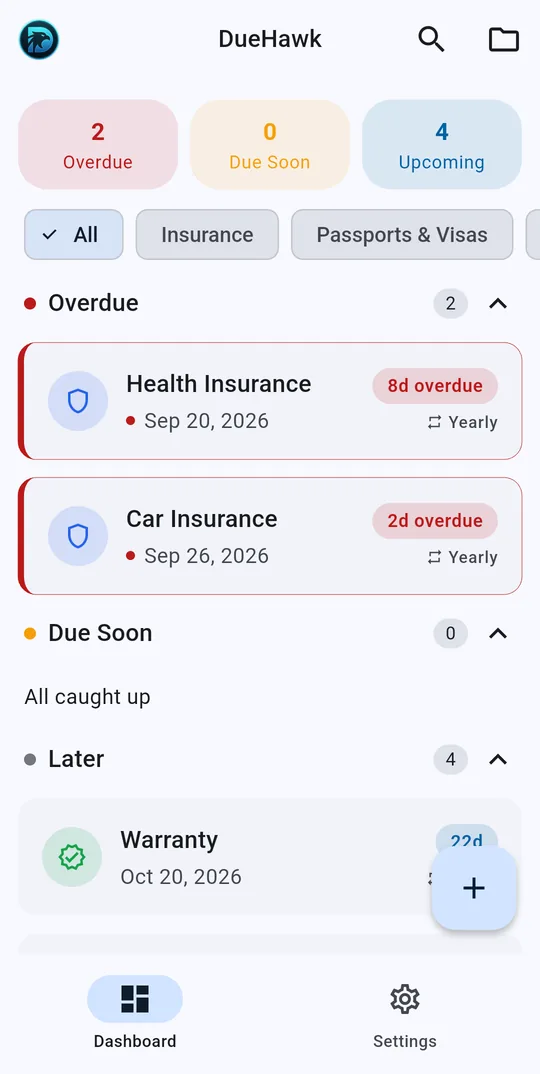
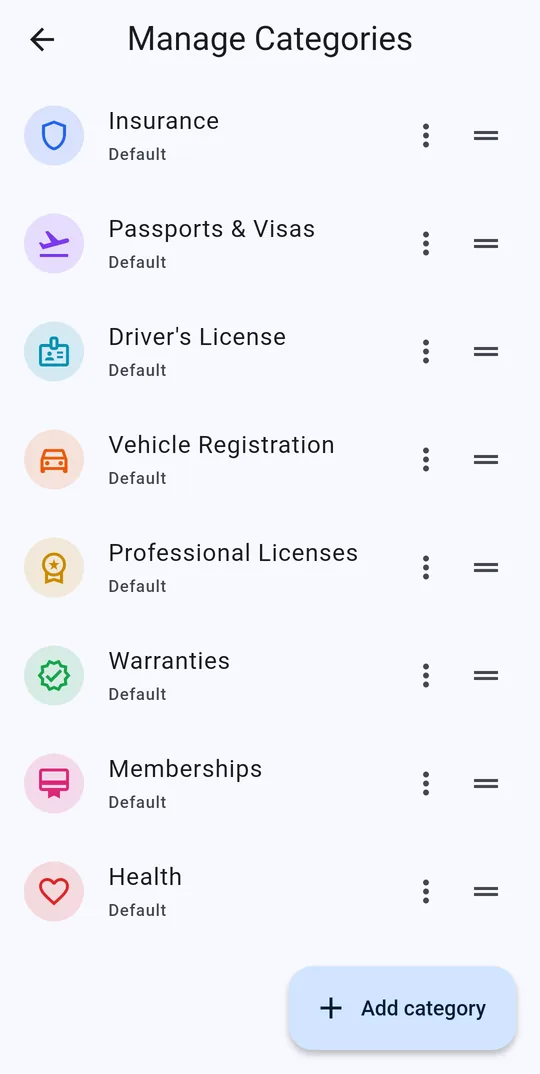
The dashboard sorts everything into Overdue, Due Soon and Later. Ready-made categories cover insurance, passports and visas, driver's licenses, vehicle registration, professional licenses, warranties, memberships and health, or you can add your own. Search and filter when the list grows.
See exactly when DueHawk will remind you
Pick a due date and the reminder days. The schedule follows the same rules as the app: one reminder for each day you picked that's still ahead, one on the due date, then one every morning once it's overdue.
The free version reminds you 30 and 7 days before. Premium lets you choose any of these, or a custom number of days.
Your passports and policies are your business. They stay on your phone.
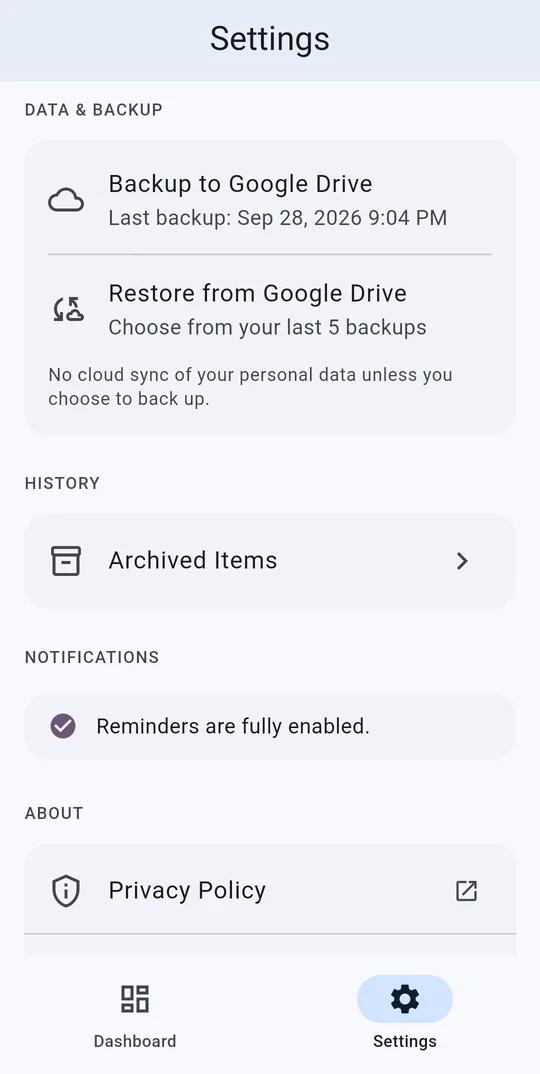
There's no sign-up and no account. Your items and attachments are stored on your device, and you can lock the app with a PIN or your fingerprint. No ads, no tracking.
Changing phones? With Premium, back up to your own Google Drive whenever you choose. DueHawk keeps your five most recent backups, and nothing is backed up unless you tap Backup.
Free, or Premium once
The free version covers the essentials for a handful of important dates. Premium is a single payment through Google Play that unlocks the rest for good. There's no subscription.
| Feature | Free | Premium |
|---|---|---|
| Items you can track | Up to 10 | Unlimited |
| Attachments per item (photo or PDF) | 1 | Up to 10 |
| Reminders before the due date | 30 and 7 days | Your choice |
| Due-today and daily overdue reminders | Yes | Yes |
| Categories, including your own | Yes | Yes |
| PIN or fingerprint lock | Yes | Yes |
| Light and dark mode | Yes | Yes |
| Google Drive backup and restore | No | Yes |
Questions
When does DueHawk remind me?
At 9am on each reminder day you picked, for example 30 and 7 days before the due date. You also get a reminder on the due date itself, and once something is overdue, a reminder every morning until you mark it renewed.
Is DueHawk free?
Yes. The free version tracks up to 10 items, with one attachment each and reminders 30 and 7 days before. Premium is a one-time unlock, not a subscription, and adds unlimited items, up to 10 attachments per item, your own reminder days, and Google Drive backup.
Do I need an account?
No. There's no sign-up. Your items and documents are stored on your phone. Google sign-in is only used if you back up to Google Drive.
Can I keep a copy of the document with the date?
Yes. Attach a photo or a PDF to any item, such as the insurance policy, a scan of your passport or the warranty card, and open it from the item whenever you need it.
Does DueHawk track subscriptions or costs?
No. DueHawk tracks dates and documents. For subscriptions and what they cost each month, we make SubEagle.
Is DueHawk on iPhone?
No, DueHawk is Android only.
Never get caught by an expiry date again.
Free on Android. No account, no subscription.
Get DueHawk on Google Play